
Cloud FEA · CFD · multibody
Engineering simulation in the browser. Nothing to install.
Upload geometry or a 3D scan, mesh it, set loads and run on our hardware. Read the contours in the same tab. Structural, thermal, fluid and multibody analysis, with capabilities you switch on and off in the browser as the job needs them. Checked against ASME V&V procedures. Free trial, no seat licences.
One email with your invite, nothing else. See the privacy policy.
Already have an invite code? Register here →


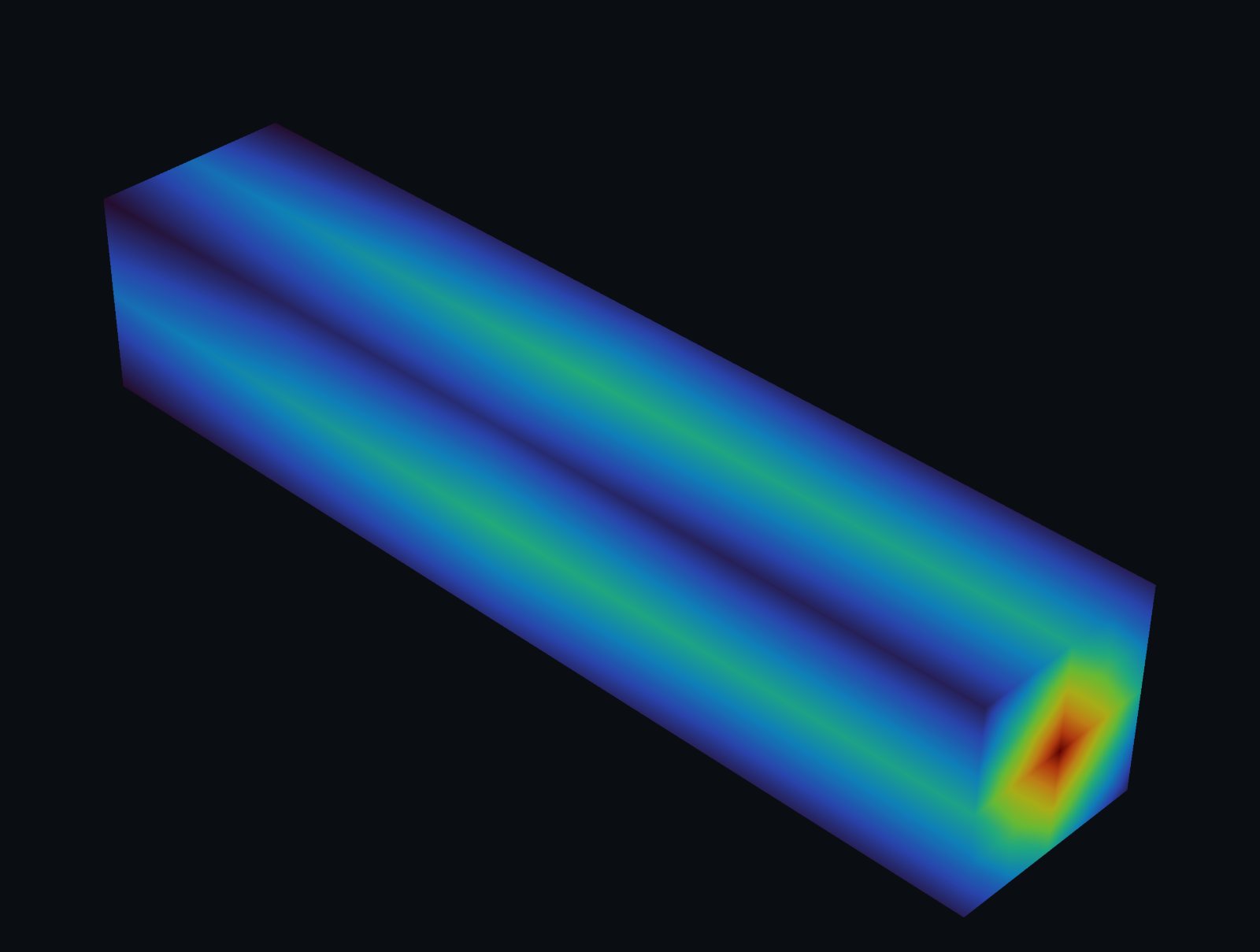
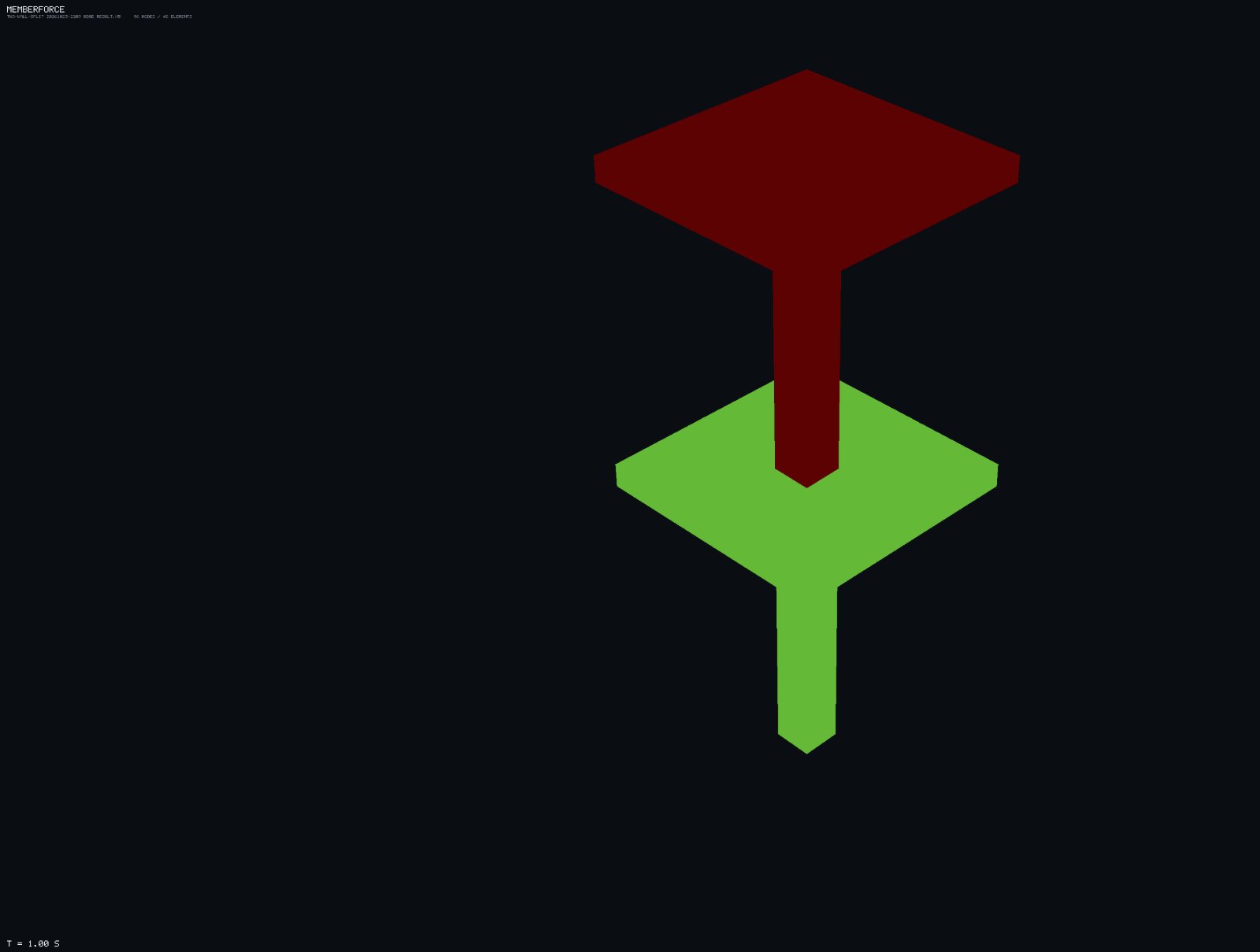
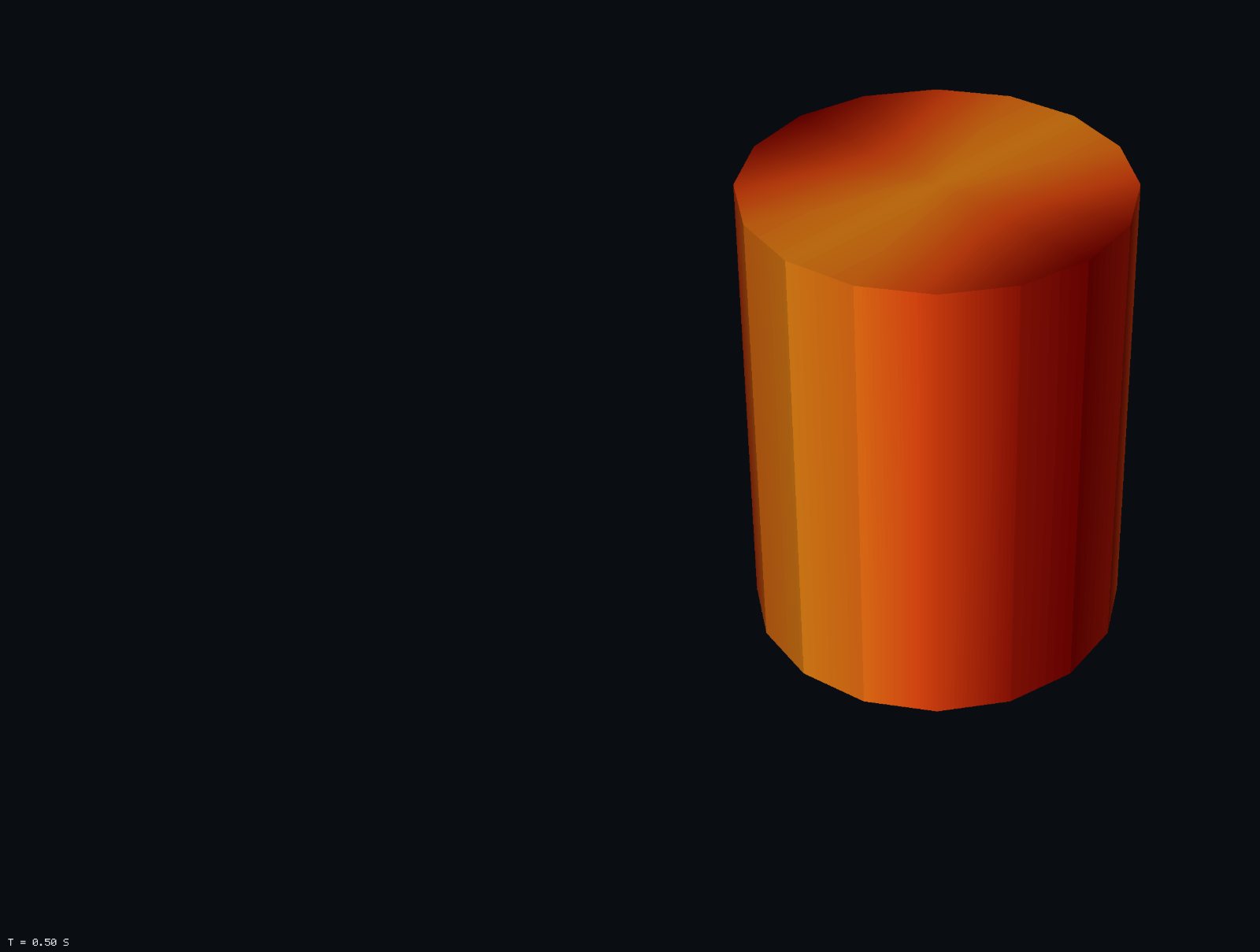
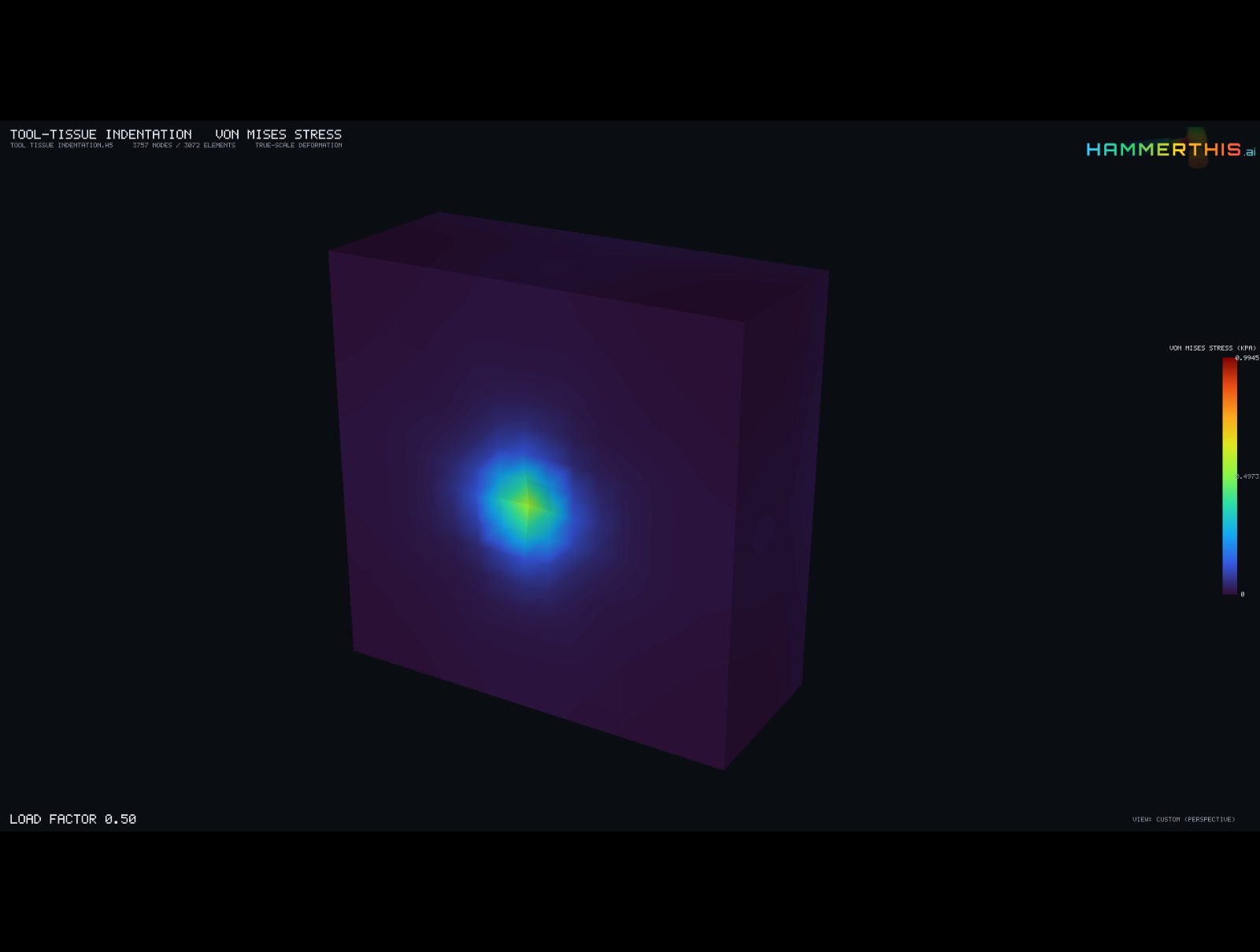
The platform
One workspace. Capabilities you switch on as the job needs them.
HammerThis is a browser workspace where analysis techniques are turned on and off on the fly: linear or nonlinear, thermal, composites, fluid flow, multibody, and the industry profiles below. No modules to buy, install or license per seat. Everything on this page runs today; none of it is a roadmap.
Linear and transient
Static and Newmark transient analyses on beams, plane-stress plates, shells and solids. First- and second-order elements throughout: Hex8/Hex20, Tet4/Tet10, Quad4/Quad8, Tri3/Tri6.
Plasticity, hyperelasticity, contact
J2 plasticity with hardening, large-rotation kinematics, neo-Hookean, Mooney-Rivlin and Yeoh materials, rigid plane, sphere and cylinder contact with Coulomb friction, prescribed displacements and follower pressure.
Coupled to stress
Uniform ΔT and transient conduction with a stress solve at every frame. Up to five materials per model with touching parts bonded automatically; solder that yields and keeps its residual stress.
Laminates and failure
Orthotropic materials with a fibre direction per part, classical lamination theory stacks, and first-ply failure by Tsai-Wu, maximum stress or Hashin.
Incompressible flow and heat
Steady and transient laminar flow with heat transfer. Wall shear stress and pressure are computed per wall and can be applied to the structure as a load.
Mechanisms and design checks
Rigid and flexible multibody with joints, drivers, Hill muscles and contact; member design checks with demand against capacity. Joint reactions become FEA load cases.
Geometry in: STEP · IGES · BREP · STL · OBJ · PLY · 3MF · glTF · Gmsh · VTK · XYZ and PCD point clouds from 3D scanners · Results out: contours and probes in the browser, PDF, CSV and MP4 exports, HDF5 for your own tools.


Hardy, the assistant
An assistant that reads your model, not just your question.
Hardy sits inside the workspace and works through the same typed commands you do. It can build geometry, mesh, apply loads and run a solve on request, open the result file, and explain a divergence from the actual residual history. Every action that changes your model waits for your approval, and every number it quotes comes from the analysis run, never from a language model's memory. Close the panel and it stays closed.
- GuideWalks a first-time user through geometry, meshing, loads and supports in the real interface, then steps back.
- DiagnosticianReads the run log and the result file, names the region and the cause, and proposes a specific fix with the numbers behind it.
- Operator, with a gateDrafts the commands to carry the fix out. Nothing executes until you approve it in the panel.
How it works
From geometry to contours in four steps.
Two of them need you.
- Load geometry, or build itImport CAD, a mesh or a scanner point cloud, or start from primitives: plates, plates with holes, shells, beams, solids, four-corner panels.
- Mesh and loadPick the element type and size, refine where it matters, and place loads and supports on faces, edges or named boundaries. Preflight checks the model before anything is sent.
- Solve in the cloudThe job is queued and run on our servers. Close the tab if you like; the result is kept for you.
- ReviewContours, probes, line plots and time scrubbing in the browser; PDF, CSV and MP4 exports for the report.
Nothing to install
No installer, no scratch files, no dedicated workstation. The solve runs on our hardware; your laptop only draws the picture.
Nothing to maintain
No updates to chase and no version conflicts the night before a review. Capabilities are updated on our side and every result records the version that produced it.
Subscribe per project
Monthly subscription with no per-seat licences. Pause between projects and resume when the next one starts.
Scans welcome
A raw XYZ or PCD point cloud from a 3D scanner goes through the same pipeline as CAD: points in, mesh built, solve run, contours out.
Coupled analysis
One analysis's answer is the next one's question.
Real machines do not respect disciplinary boundaries, so the analyses here pass results to each other. Run a multibody simulation and hand its peak joint reactions to the structural analysis as a ready-made load case, in one click and in SI units, with no numbers copied between tools.
- Multibody → StructuralJoint reaction forces from the motion study become an FEA load case — the mechanism tells the bracket exactly what it's in for.
- Macro-element → StructuralPush a structure to its limit load, then send the critical member resultants to a detailed model of the joint that worried you.
- Fluid → StructuralWall pressure and shear from a CFD run land on the structure as a load — the wind files its loads directly, like everyone else.
Industry profile · Medical Robotics
Tissue is not steel. Your analysis should know the difference.
Surgical tools, soft actuators, stents and catheters live at large strain, in contact, against material that stretches, slips and springs back. The Medical Robotics profile puts the finite-strain physics, the implant and tissue library, and the contact tooling in front of you — switched on in the same workspace that runs a plain bracket, so nothing you already trust gets slower or stranger.
- Soft tissue & silicone, at finite strainNeo-Hookean, Mooney-Rivlin and Yeoh materials with a ready library — liver, muscle, skin, brain, arterial wall, PDMS, Ecoflex, Dragon Skin — verified against closed-form stretch and shear solutions. Built.
- Tools, implants and balloons that touch thingsRigid plane, sphere and cylinder contact with Coulomb friction; indenters that travel and balloons that grow with the load; every contact force charted against the load factor — the load–indentation curve, not a screenshot. Built.
- Stents, actuators, grasped organsLarge-rotation plasticity for 316L / CoCr struts, follower pressure for pneumatic actuators, prescribed platen motion for compression tests, and a blood-flow wall-shear map you can apply straight onto the device as a load. Built; verified in a six-case benchmark pack.
Industry profile · FEA in Semiconductor Packaging
Five materials, one cooldown, and the warpage that follows.
Package warpage and joint stress come from the same place: materials that shrink at different rates, glued together, cooling from reflow. The Semiconductor Packaging profile gives you the die-stack library and the thermal physics to screen a stack before the first lot — and it runs on the same structural engine as everything else.
- The stack, as it isSilicon, SAC305, FR-4, mold compound and underfill in one solve (up to five materials), with touching parts bonded automatically — conforming or not. Built.
- Reflow cooldown in one lineSet the stress-free reference to 260 °C and a uniform ΔT; every material expands by its own CTE and the mismatch stress and warpage fall out — plus solder that yields and keeps its residual stress. Built.
- Transient heat, coupled to stressConduction march from prescribed temperatures with a quasi-static stress solve at every output frame — the thermal cycle as a movie, not a number. Built.
Verification & validation
We check our own homework against the standards you'd check it against.
Every analysis technique is exercised against the benchmark problems the community agrees on, following the ASME V&V methodology: code verification on problems with closed-form answers, grid-convergence studies with Richardson extrapolation and the Grid Convergence Index, and uncertainty propagation through the same code path a customer job takes. The evidence package is a document you can hand to a reviewer, not a slide.
- ASME V&V 10 — solid mechanicsBuilt. Code verification on patch tests, Cook's membrane and beam ladders; mesh-convergence studies with GCI and Richardson extrapolation; a material-uncertainty study through the FE core.
- ASME V&V 20 — fluid dynamicsBuilt. Lid-driven cavity grid ladder against the Ghia and Botella–Peyret references; wall-shear and channel-flow checks against the analytic profile.
- The evidence, on requestThe full ASME V&V evidence package — the studies above with every number, the procedure they follow, and the V&V 40 credibility-factor map for device work — is available to any prospective customer who asks. Tick consulting services in the form or mention it in your use case.

Who's behind this
A Silicon Valley Start-up, challenging the norms of legacy platforms, licences and workstation lock-ins.
HammerThis.ai builds its own analysis technology, its own workspace and its own assistant. The verification studies are ours, and we will show them to you before you buy. No reseller, no white-label engine, no seat licence that outlives the project.
I started HammerThis.ai because serious simulation should not require a workstation, an installer and a licence server before the first result. Everything here, from the analysis capabilities to the workspace in your browser, was built by a small team that would rather ship the tool it wanted to use than rent someone else's.
Questions about a specific analysis, the verification evidence or a consulting engagement go straight to the founder's inbox: hello@hammerthis.ai.
Analysis API & MCP
Talk to it yourself. Or send your agent.
Prefer talking to machines? Fire off runs, sweep parameters and pull results straight from your own scripts and pipelines over the analysis API — same analyses, no browser required, nothing to install on that side either. Your CI can finally do the parameter study it keeps volunteering for. And if your machines have opinions now, HammerThis speaks MCP.
Your AI agent gets a seat
Connect Claude — or any MCP-capable assistant — and it works the whole workspace: build geometry, place loads, mesh, preflight, solve, read the results and render the pictures. You sign in once; after that, the agent does the clicking.
One solver's answer, the next solver's question
The agent runs the mechanism, reads the peak bearing reaction out of the multibody result, and applies it as the load case on the structure — solver-reported numbers end to end, no retyping, no export files, provenance intact.
Agents don't get superpowers
Every agent action passes the same gates you would: consequential changes wait for explicit confirmation, solves go through the same validation and admission checks, and your plan's limits still mean what they say. Raw result data stays on the server — the agent gets engineering answers, with units.
Questions people ask before signing up
Straight answers.
What you can run, what you need, what it costs to change your mind. Anything missing, ask: hello@hammerthis.ai.
What kinds of analysis can I run?
Structural analysis from linear statics through nonlinear problems with plasticity, large deformation and contact; thermal and thermal-stress analysis; laminated composites with failure checks; incompressible fluid flow; and mechanism and multibody motion. Results from one analysis can be handed to the next as loads. The Medical Robotics and Semiconductor Packaging profiles add the materials, loads and tooling those fields need.
Do I need to install anything or buy a workstation?
No. HammerThis runs in a current version of Chrome, Edge, Firefox or Safari on an ordinary laptop or desktop. Meshing and solving happen on our hardware and the results stream back into the same browser tab. A screen at least 1280 pixels wide is recommended for the full workspace.
What can I bring in?
CAD and mesh files (STEP, IGES, BREP, STL, OBJ, PLY, glTF, 3MF, Gmsh, VTK and VTU among others), raw point clouds from a 3D scanner (XYZ, PCD), or nothing at all: parametric shapes such as plates, beams, shells and a plate with a hole are built inside the browser. Result files in HDF5, CGNS or MED open directly for post-processing.
How are capabilities switched on and off?
Everything lives in one workspace. Choose an analysis mode or an industry profile from the top bar and the matching materials, loads and options appear; switch back and they step aside. There are no modules to install and no per-seat licence keys. Paid profiles are added to your account when a job needs them and removed when it does not.
Can I upgrade, downgrade or pause?
Yes. Subscriptions are monthly. Upgrade or add a profile at any time and it takes effect immediately; downgrade or remove one and the change applies at the next billing cycle. Between projects you can pause: your projects, materials and results stay in your account and are waiting when you come back.
What does the free trial include?
The full workspace with a model-size ceiling that is generous enough to run a real problem end to end, including the assistant and the result viewer. When a job outgrows the ceiling you subscribe from inside the app and carry on with the same project.
Who owns my models and results?
You do. Files are stored in your account, used only to run the analyses you ask for, and never shared or used to train anything. You can delete individual files or your whole account at any time. Material data you enter yourself can be kept encrypted with an access key that only you hold.
Is there help when I get stuck?
Hardy, the in-app assistant, reads your model and your results and answers with the numbers in front of it: where the peak stress is, why a run diverged, what to change. Every change it proposes waits for your approval. Beyond that there is email support, and the team offers consulting engagements for analyses you would rather hand off.
How do I know the results are right?
Every analysis technique is checked against problems with known answers and against the benchmark problems the simulation community uses, following ASME V&V 10 and V&V 20 procedures. HammerThis.ai is a NAFEMS member. The evidence package is available to any prospective customer on request, and every result records the version that produced it.
Can I export results and reports?
Yes. Reports export as PDF, tabular data as CSV and animations as MP4 straight from the results panel. Result files stay in your account and reopen at any time.
Can I automate runs from my own tools?
Yes, two ways. The analysis API lets scripts and pipelines submit runs, sweep parameters and pull results without a browser — ask for an API key with your invite. And HammerThis runs an MCP server, so Claude and other MCP-capable AI assistants can build models, mesh, solve, read results and hand loads between analyses conversationally, through the same approval gates and plan limits as the app.
Is it for individuals, universities or companies?
All three. Accounts are per person, and the sign-up form asks whether the use is personal, academic or business so we can set up the right plan. Tell us your team size and we will take it from there.
How do academic licences work?
Request an invite with the intended use set to Academic — from your school or university email address. We verify academic status (a student or staff ID card) before the invite is issued, and classroom or lab bulk licences are priced by negotiation with the course or institution.
Free trial
Start solving this week.
Request an invite and we open a seat with a free trial. After that it is a monthly subscription you can pause between projects, with no per-seat licences. Need the analysis done for you? Tick consulting: a short intake call, a written quote, your purchase order, and we start.
One email with your invite. Your data, handled as promised: privacy policy.
Already have an invite code? Register here →